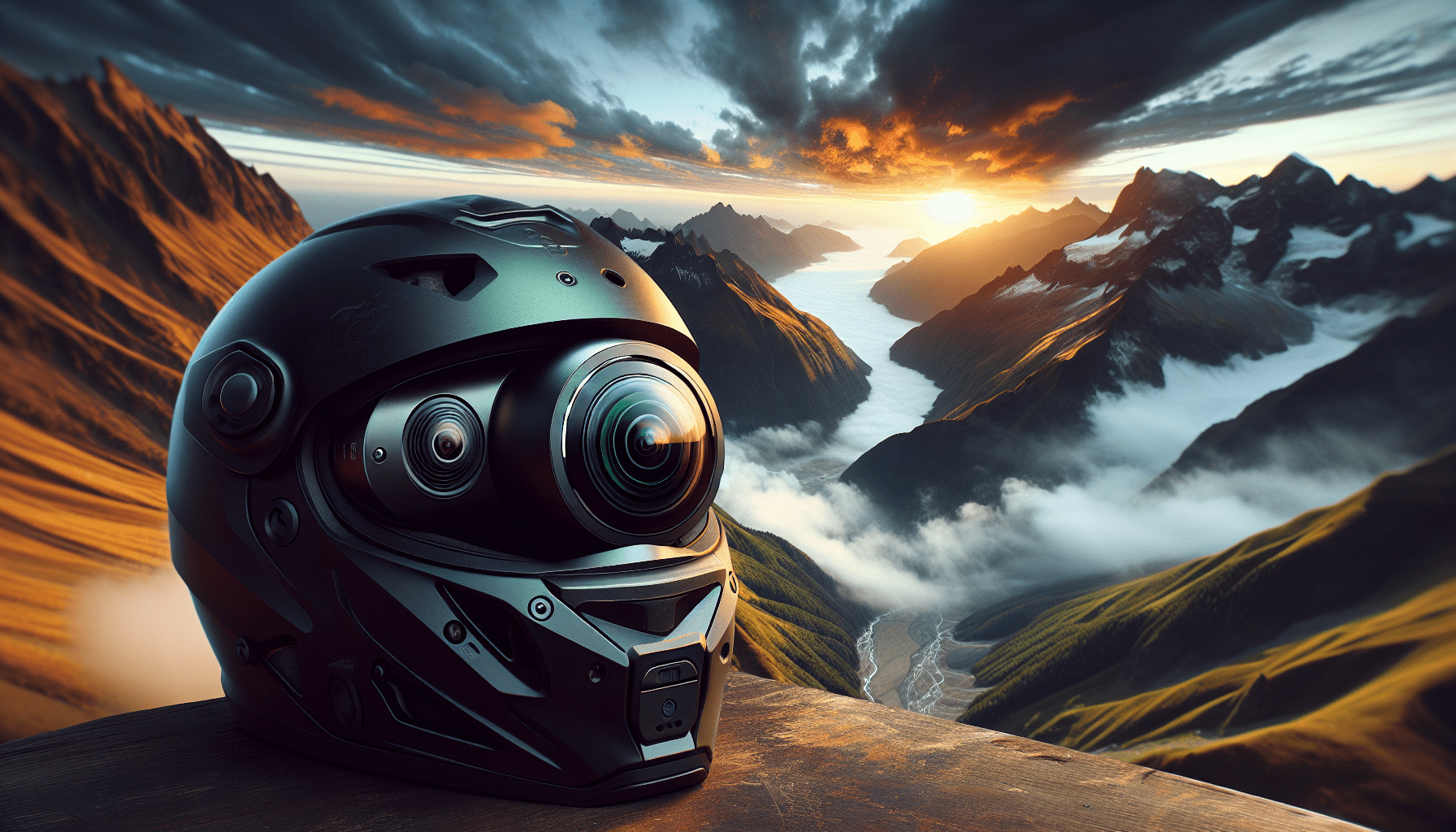
From Flat Frame to Living Memory: Your Vision for Immersive Adventure
You crest the ridge, the world falling away beneath your tires. The wind roars, your heart pounds, and the sheer scale of the moment is breathtaking. Later, you review the footage. The video is a shaky, narrow rectangle. It feels distant, small, and utterly fails to convey the vertigo, the panorama, the feeling of being there. This is the fundamental limitation of traditional point-of-view recording. It captures a slice, but misses the sphere of the experience.
The shift to a 360-degree helmet camera changes everything. It transforms you from a passive recorder into the director of a living memory. This technology doesn’t just film what’s in front of you; it captures the entire world around you—the sky above, the trail below, your own reaction, and the vast landscape to every side. Your audience isn’t just watching; they’re inside the moment, free to look anywhere.
Mastering the 360-degree helmet camera is the key to unlocking this new dimension of storytelling. It is the foundation for creating dynamic, interactive narratives where every glance, turn, and gasp of awe is preserved within an immersive sphere. This guide is your blueprint for that mastery.
Building Your Foundation: The Hardware Trinity
Your camera, mount, and supporting gear form the unshakable technical foundation for every epic shot. Compromise here, and you compromise your final story before you even begin.
Camera Selection: Decoding Core Specs
Look beyond megapixels. For 360 video, three specs are non-negotiable. First, resolution: 5.7K is the current effective minimum for a sharp final output after editing. 8K is the premium standard for future-proofing. Second, stabilization: “FlowState” or “Horizon Lock” electronic stabilization is essential for smooth helmet footage. It makes the world, not your head bobs, appear stable. Third, durability: An IPX8 waterproof rating means you can ride through rain or mud without a second thought.
Helmet Integration: The Art of Mounting
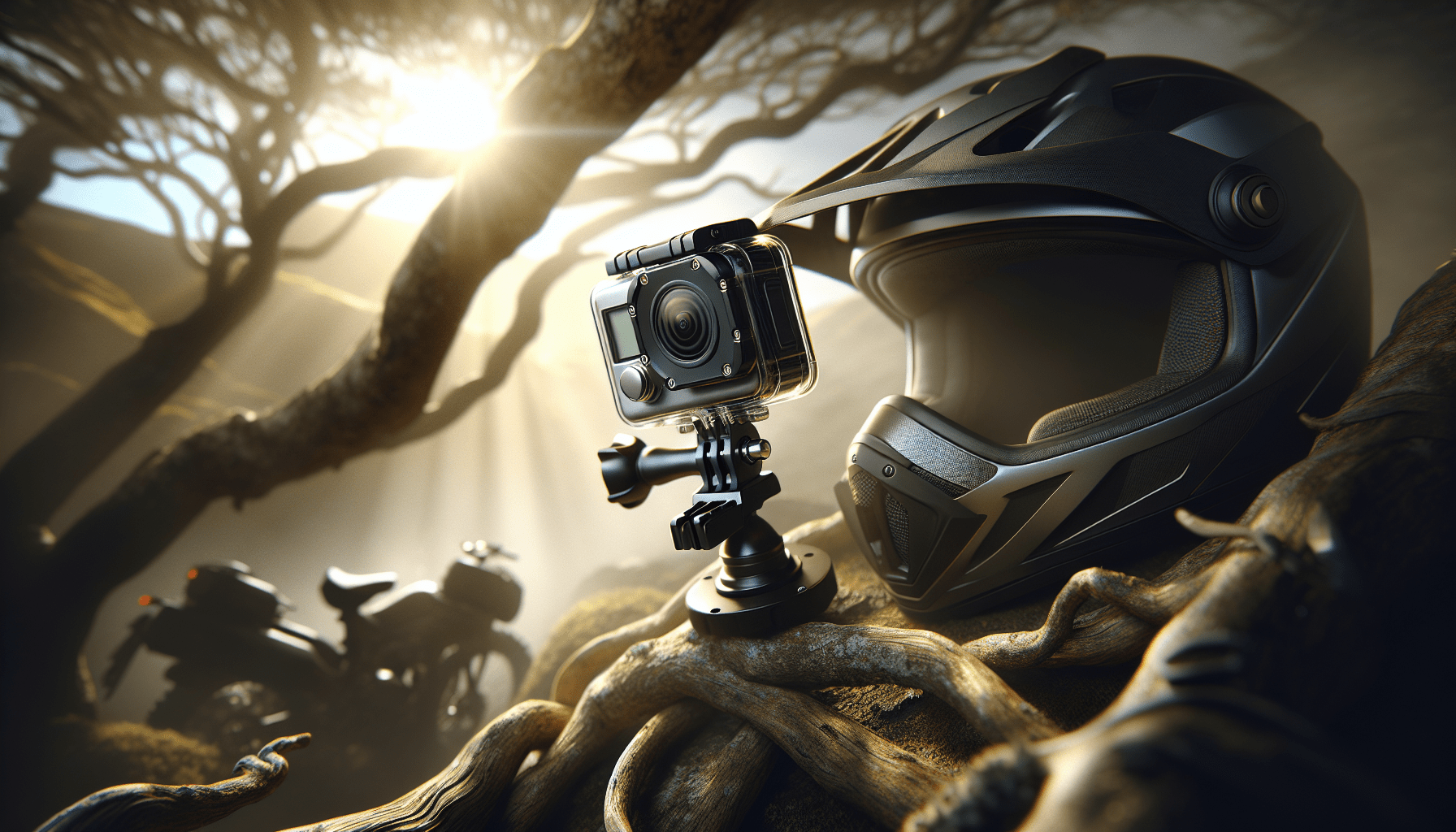
Placement dictates perspective. The chin mount, secured under the helmet’s visor, offers a dynamic, first-person view that closely matches your eye line. The top mount, on the helmet’s crown, provides a more stable, “third-person” overview of you and your surroundings. The side mount is a compromise, often used for a unique angle. Whichever you choose, use the manufacturer’s adhesive mounts for permanent security on hard surfaces, and supplement with strap mounts for temporary or flexible setups. The goal is a rock-solid attachment that becomes an extension of your helmet.
The Essential Ecosystem: Components & Accessories
Your camera is the heart, but these components are its lifeblood.
| Component Category | Options & Key Characteristics |
|---|---|
| Core Camera | Models like Insta360 X4, GoPro Max, or Ricoh Theta X. Prioritize models with strong in-camera stabilization, high-resolution sensors (5.7K+), and a user-friendly mobile app for preview and control. |
| Mounting Solutions | Adhesive Mounts, Quick-Release Buckles, Extension Arms. Adhesive mounts provide the most secure bond to your helmet. Quick-release buckles allow you to snap the camera on and off different mounts. A short extension arm can help fine-tune the camera’s position away from the helmet. |
| Power & Storage | High-Endurance MicroSD Cards (V30/U3/A2), Extra Batteries, Portable Power Banks. 360 footage creates massive files. Use only high-speed, high-capacity cards (256GB+ recommended). For all-day rides, a power bank connected via USB-C is the ultimate solution for continuous power. |
The Core System: Managing Your Spherical World
Forget traditional framing. Your new system is about actively managing an entire sphere of light, sound, and data.
Mastering Spherical Composition
Think in three dimensions. Be aware of the stitch line—the invisible seam where the two camera lenses meet. Avoid placing critical action (like your hands on handlebars) directly on this line to prevent distortion. Manage the nadir (the bottom of the sphere, often showing your helmet or mount) and the zenith (the top, showing the sky). Place key elements—a trailing rider, a stunning vista—in the engaging middle band of the sphere where viewers naturally look.
Audio Immersion: Capturing the Soundscape
Visuals are half the experience. Spatial audio completes it. Modern 360 cameras have multiple microphones to capture directional sound. To manage relentless wind noise, always use a fuzzy windslip over the mic ports. This simple cover is the single most effective audio upgrade you can make. For advanced work, you can sync audio from an external recorder placed in a pocket, but the built-in spatial mics, when protected, are remarkably effective.
Data and Power Logistics
An hour of 5.7K 360 video can consume over 100GB. This demands a disciplined workflow. Format your high-endurance microSD card in the camera before every major outing. For power, I never rely on a single battery. My rule is: two fully charged batteries in the rotation, and a 10,000mAh power bank in my pack for any ride over two hours. This system guarantees I never miss the shot because of a dead camera.
Advanced Practices: Directing the Immersive Narrative
This is where you move from recording to crafting. Your movement and preparation become directorial choices.
Pre-Ride Preparation: The Director’s Checklist
Scout with a 360 mindset. Look for environments with engaging elements in all directions—forest canopies, rock formations, wide vistas. Before mounting up, lock your settings: set a fixed white balance (don’t use auto) for consistent color, enable the highest stabilization mode, and if your camera offers a flat color profile like LOG, use it. This preserves maximum detail for color grading later.
Dynamic Shooting Techniques: Moving in the Sphere
Your head movement is now your primary camera move. Make your glances intentional and slightly slower than normal. To reveal something behind you, turn your head smoothly; the viewer will follow. Utilize the “invisible selfie stick” effect in post: by mounting the camera on a short pole (even a trekking pole) and later using editing software to erase the pole, you can create magical third-person “drone-like” shots of yourself in motion.
Post-Production Strategy: The Reframing Workflow
Your edit begins in specialized 360 software like Insta360 Studio or GoPro Player. First, the software stitches the footage from the two lenses into a seamless sphere. Then, you reframe: you direct the viewer’s perspective by choosing where to look within that sphere over time, creating a traditional, dynamic 2D video from your 360 source. You can add motion blur for speed, keyframe smooth pans, and finally export both a reframed masterpiece for social media and a full 360 video for platforms like YouTube VR.
Threat Management: Preserving the Shot
A proactive mindset saves footage. Most catastrophic failures can be prevented with simple checks.
Prevention: The Pre-Ride Ritual
My ritual is non-negotiable. I clean both camera lenses with a microfiber cloth. I check that the protective lens guards (stick-on acrylic covers) are unscratched. I power on the camera, ensure the battery and card are recognized, and do a quick 30-second test recording. I verify the mobile app connection for remote control. Finally, I secure the camera to the mount with a tether—a short leash as a final safety net.
Intervention: Diagnosing Common 360 Ailments
When problems arise, use this tiered response. For poor stitching (blurry seams), ensure the lenses are clean and the camera firmware is updated. For shaky footage, confirm stabilization is enabled in-camera. For overheating during long static recordings, provide airflow or break recording into segments. For corrupted files, never remove the card while the camera is on, and always use the “Stop Recording” button before powering down.
Your Action Plan: From Capture to Share
| Phase | Primary Tasks | What to Focus On |
|---|---|---|
| Pre-Adventure | Charge all batteries. Format memory card in-camera. Clean lenses, apply windslip. Mount camera securely, perform connection test. | System Integrity. Ensuring every component is operational and secure. No last-minute surprises. |
| During the Ride | Start recording with ample buffer. Use intentional head movements to guide the shot. Monitor battery/capacity via app. Enjoy the ride! | Intentional Capture. Being present but mindful of creating dynamic sight lines within the sphere for your future edit. |
| Post-Adventure | Offload footage to computer and backup immediately. Use 360 software to stitch, reframe, and edit. Export for your target platform (social or VR). | Story Crafting. Transforming the raw sphere of footage into a compelling, directed narrative that shares the true feeling of the adventure. |
Becoming the Architect of Experience
The journey with a 360-degree helmet camera moves you from capturing a flat frame to preserving a living sphere of experience. It begins with the deliberate choice of hardware, expands into the active management of a spherical world, and culminates in the creative direction of immersive stories. The frustration of missing the moment is replaced by a profound capability.
The ultimate reward is the unparalleled joy of re-living your adventure. You can look up at the canopy you raced under, down at the technical trail you conquered, and behind to see the friend sharing your laugh. It allows you to share not just what you saw, but the true, breathtaking feeling of being there. This is the transformative power of exploring the world with 360-degree helmet cameras—the power to hold a memory, intact and immersive, in the palm of your hand.