Beyond the Hype: The Realities of Action Capture
You’ve strapped in, hit record, and lived the moment. Later, you review the footage: the audio is a garbled mess of wind, the horizon wobbles unnaturally, and the colors look flat and lifeless. This gap between marketed perfection and real-world friction is a familiar frustration. For every breathtaking GoPro highlight reel, there’s a creator navigating hidden compromises. Understanding these limitations isn’t about criticism—it’s about empowerment. A clear-eyed analysis of a GoPro’s disadvantages is the key to managing expectations, building a robust workflow, and achieving consistently professional results.
Foundational Frictions: The Hardware Compromise
The iconic, rugged design of a GoPro is a product of deliberate trade-offs. These inherent characteristics form the unshakeable foundation of your user experience, setting the boundaries for what the camera can achieve.
The Physical Reality of a Tiny Powerhouse
The GoPro’s greatest strength is also its core constraint. The fixed, ultra-small sensor struggles in low-light conditions, producing grainy or soft footage where larger-sensor cameras excel. Its super-wide lens captures immense fields of view but introduces pronounced barrel distortion; straight lines bend at the edges, which can ruin architectural shots or intimate conversations. Audio is an afterthought for the built-in microphones, which are easily overwhelmed by wind noise or loud environments, making external solutions a frequent necessity.
The Interface: Designed for Speed, Not Precision
Operating a GoPro often means wrestling with its interface. The touchscreen becomes useless with gloves or wet fingers and can be difficult to see in direct sunlight. Changing critical settings like exposure or frame rate requires menu diving, as there are few physical controls for immediate adjustment. Furthermore, capturing high-resolution footage demands significant power. You must manage battery life proactively, as continuous 5.3K recording can drain a battery in well under an hour, making spare batteries and external chargers part of the essential kit, not optional extras.
The Core System: Workflow and Ecosystem Constraints
A GoPro isn’t just a camera; it’s part of an ecosystem. Its most significant disadvantages often reveal themselves after you hit stop, in the complexities of post-production and system integration.
The Post-Production Hurdle
Your work has just begun when the recording ends. GoPros generate massive data volumes; a single 5.3K video file can consume gigabytes quickly, demanding substantial storage and organized file management. The camera’s color science, while improved, often renders footage that looks either oversaturated (GoPro Color) or flat and desaturated (Flat profile). Matching GoPro footage with clips from other cameras requires a committed color grading pipeline. Even the celebrated HyperSmooth stabilization has a trade-off: it aggressively crops into the sensor to achieve its smoothness, reducing your field of view, and can sometimes create an unnatural, “wobbly” horizon in steady-state scenarios like dash-cam footage.
The Ecosystem Lock-In
To use a GoPro securely, you typically need to buy into its world. The proprietary mounting system is robust, but it means you’re purchasing GoPro-branded or licensed accessories for most applications. The required software, like the Quik app, is necessary for firmware updates, remote control, and basic editing, but it can feel limiting for advanced creators who prefer professional editing suites. This dependency creates a closed loop that can add cost and complexity.
| Component Category | Inherent Characteristic | Practical Consequence |
|---|---|---|
| Sensor & Lens | Fixed, small sensor; ultra-wide focal length | Poor low-light performance; pronounced fisheye distortion; limited creative flexibility. |
| Audio System | Small, exposed built-in microphones | Audio is easily degraded by wind and ambient noise; requires external accessories for clean sound. |
| Stabilization (HyperSmooth) | Electronic Image Stabilization (EIS) | Significant crop factor reduces field of view; can cause “wobbly horizon” effect in certain motions. |
| Software & Color | GoPro Color or Flat color profile | Footage often requires color grading to look cinematic or to match other camera systems. |
Advanced Practices: Pushing Against the Ceiling
When you move beyond standard POV action shots and demand more creative control, you will encounter the technical ceilings of the platform.
The manual control suite is limited. You cannot independently set shutter speed, aperture, and ISO like on an interchangeable-lens camera. This restricts advanced techniques like achieving motion blur or controlling depth of field. In demanding scenarios—such as recording 5.3K video in a hot environment—the camera can overheat and shut down, forcing you to compromise on resolution or frame rate. Ultimately, a GoPro is a specialist. It is a weak choice for still photography, long-form interviews, or filming events in dimly lit venues. It is not a do-it-all camera.
Threat Management: Mitigating the Downsides
The professional approach is proactive mitigation. You build systems to prevent problems and have solutions ready when they arise.
Prevention: Building a Robust Kit
Your camera is only as good as its support system. Consider these accessories non-negotiable: multiple batteries and a dual charger, anti-fog inserts for the housing, and a tempered glass lens protector. Implement a pre-shoot checklist: verify settings, ensure memory card health and capacity, and clean the lens and housing ports.
Intervention: Solving Common Problems
When issues occur, target your response. For poor audio, use a Windslip muffler, the Media Mod for an external mic, or sync a separate audio recorder. If your footage looks flat or mismatched, commit to a simple color grading workflow using presets or LUTs designed for GoPro Flat profile. Combat short recording times by lowering resolution, using the high-capacity Enduro battery, or employing an external USB-C power bank for static shots.
Choosing Your Tool Wisely: A Strategic Guide
Mastery means selecting the right tool for the job. Use this guide to make informed decisions before you press record.
| Scenario | GoPro Suitability | Key Considerations & Mitigations |
|---|---|---|
| Indoor Vlogging or Talking Head | Low | Lens distortion unflattering for faces; poor built-in audio quality. A smartphone or mirrorless camera is superior. |
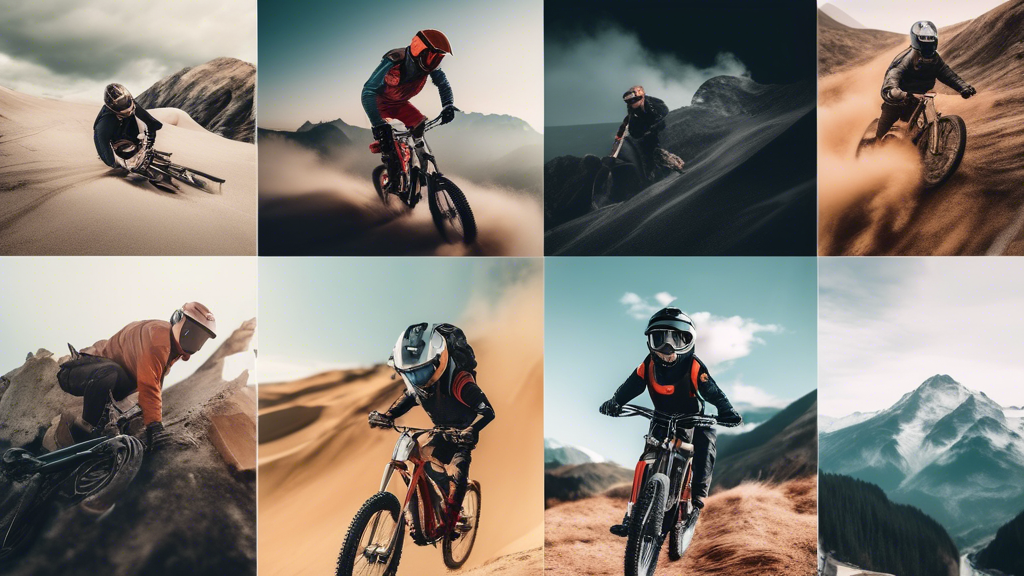
| Mountain Biking or Skiing POV | High | Excellent stabilization and durability. Plan for poor audio or use a separate recorder. |
| Travel Documentary B-Roll | Medium | Great for dynamic, quick shots. Requires planning for color grading and distortion correction in post. |
| Low-Light Event or Concert | Low | Small sensor performs poorly; footage will be noisy. A camera with a larger sensor is essential. |
The Empowerment of Clear-Eyed Understanding
Acknowledging the disadvantages of a GoPro is not a sign of weakness but a hallmark of professional maturity. It completes the journey from being captivated by marketing hype to wielding the tool with precision. You now understand its physical limits, you’ve built a workflow to manage its post-production demands, and you know precisely when to deploy it—and when to reach for another camera. This knowledge is what separates a frustrated user from a masterful creator. It transforms the GoPro from a potential source of compromise into an unparalleled, specialized instrument that captures your vision exactly as you intend, precisely when it’s the right tool for the job.