
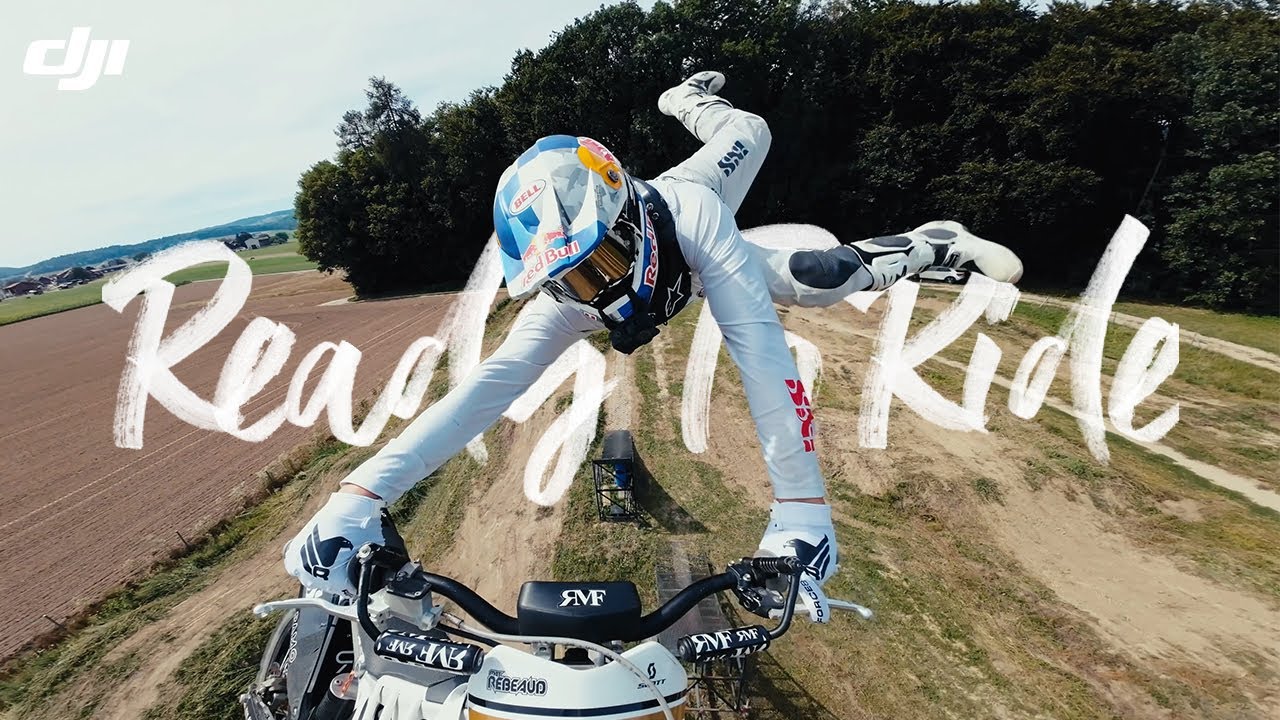
The DJI Osmo Action 3 launched in September 2022 and disrupted the action camera market by delivering genuinely competitive stabilization and the longest battery life in its class — at a lower price than GoPro. Now available for around $149–169, it represents exceptional value for motorcycle riders. Here’s an honest, spec-accurate review.
The Osmo Action 3 is an older model and DJI has since released newer Osmo Action cameras. This review is best read as a value comparison; check availability and DJI’s current lineup before buying.
Camera reviewed: DJI Osmo Action 3 | Typical price: roughly $149–169 (varies; check the current listing)
DJI Osmo Action 3: Full Specifications
| Spec | Osmo Action 3 |
|---|---|
| Sensor | 1/1.7-inch, 12MP |
| Max Video | 4K/120fps, 2.7K/120fps, 1080p/240fps |
| Stabilization | RockSteady 3.0 + Horizon Steady |
| Field of View | 155° (Ultrawide) / 122° (Wide) / 86° (Normal) |
| Battery Life | ~160 min at 1080p/60fps — longest in class |
| Waterproof | 11m without housing |
| Dual Screen | Yes — 2.25″ rear + 1.4″ front |
| Weight | 145g with battery |
| Operating Temp | -10°C to 40°C |
| Current Price | ~$149–169 (Adventure Combo ~$199) |
Why Motorcycle Riders Are Choosing the Osmo Action 3
Battery Life That Outlasts Long Rides
At 160 minutes of recording at 1080p/60fps, the Osmo Action 3 is the only action camera in this price range that can handle a full morning ride without a battery change. GoPro Hero 11 manages ~70 minutes at comparable settings. For touring riders, commuters, and anyone who doesn’t want to stop mid-ride to swap batteries, this is the deciding factor.
At 4K/60fps, expect around 95 minutes — still significantly better than the competition. A USB-C power bank connection extends recording indefinitely.
RockSteady 3.0: Real Stabilization Performance
DJI’s RockSteady 3.0 electronic image stabilization handles motorcycle vibration effectively at highway speeds. The Horizon Steady mode keeps the horizon level through ±45° of camera tilt — useful when mounts settle or shift over long rides.
Manufacturer claims and published comparisons suggest the Osmo Action 3 and GoPro Hero 11 (HyperSmooth 5.0) deliver broadly comparable stabilization at highway speeds. Real-world results vary by mount, helmet and road surface.
Dual Screen for Angle Confirmation
The 1.4-inch front-facing touchscreen is a practical feature for motorcycle use: you can confirm your framing after mounting without removing the camera from the helmet. GoPro cameras require the Quik app or a separate monitor to do the same thing.
Best Settings for Motorcycle Use
Road Riding / Motorway
- Mode: 4K / 60fps
- Stabilization: RockSteady 3.0 ON
- Horizon Steady: ON
- FOV: Wide (less distortion than Ultrawide, better for road footage)
- Color: D-Cinelike if you edit; Normal if straight-to-social
- ISO Max: 6400 (daytime) — lower if bright conditions create noise
Track Day / Performance Riding
- Mode: 4K / 120fps (for slow-motion technique analysis)
- Stabilization: RockSteady Standard (Boost crops in too much)
- Shutter: 1/240s at 120fps
- FOV: Normal or Wide
Adventure / Dual Sport
- Mode: 2.7K / 60fps
- Stabilization: RockSteady 3.0 + Horizon Steady ON
- FOV: Ultrawide (captures more trail/scenery on both sides)
Osmo Action 3 vs. Osmo Action 4 vs. Action 5 Pro: Which to Buy?
| Action 3 | Action 4 | Action 5 Pro | |
|---|---|---|---|
| Price | ~$149 | ~$199 | ~$269 |
| Sensor size | 1/1.7″ | 1/1.3″ | 1/1.3″ |
| Max resolution | 4K/120fps | 4K/120fps | 4K/120fps |
| Battery (4K/60fps) | ~95 min | ~100 min | ~130 min |
| Low light | Good | Better (larger sensor) | Best in class |
| Stabilization | RockSteady 3.0 | RockSteady 3.0 | RockSteady 4.0 |
Buy the Action 3 if budget is the priority — it covers 95% of riding scenarios at the best price per performance. Buy the Action 4 or 5 Pro if you ride frequently at dawn/dusk/night where the larger sensor’s low-light advantage matters.
Mounting the Osmo Action 3 on a Motorcycle Helmet
The Action 3 ships with DJI’s magnetic quick-release mount system. For helmet use, the recommended approach:
- Chin mount: DJI’s Helmet Chin Mount is compatible with the Action 3 and 4. Third-party options from ULANZI and Telesin also work and are cheaper (~$15–20 vs. DJI’s $29).
- Top mount: DJI’s Action Camera Universal Mount clips to vented helmet straps. Use a thin foam pad under the adhesive mount on smooth helmets.
- GoPro adapter: The Action 3 uses a standard 1/4″-20 thread and GoPro-compatible mount, so the entire GoPro accessory ecosystem is compatible.
Verdict
The DJI Osmo Action 3 is a strong-value motorcycle helmet camera among the models compared here. At around $149, it offers 4K stabilization, long rated battery life and a dual-screen design at a price well below the GoPro Hero 13. The main reasons to pay more for the Hero 13 are if you specifically need 5.3K resolution or the expanded modular lens ecosystem.
Use our free Settings Optimizer to dial in the exact configuration for your DJI Osmo Action 3 and riding conditions.
Frequently Asked Questions
Is the DJI Osmo Action 3 waterproof?
Yes — rated to 11 metres without a housing. It handles rain riding, river crossings, and water sports without any additional protection.
What memory card does the Osmo Action 3 need?
A V30-rated microSD card minimum for 4K recording. SanDisk Extreme 128GB or Samsung PRO Endurance 128GB are the most reliable options. Avoid budget cards — they cause recording errors at high bitrates.
Can I use GoPro mounts with the DJI Osmo Action 3?
Yes — DJI includes a GoPro-compatible adapter in the box, so it works with any GoPro mount system including GoPro’s own chin mounts and third-party RAM mounts.
Official resources: DJI Osmo Action 3 official page | Full specifications.
