
Reviewed by the Digital Helmet Cameras Editorial Team. Based on manufacturer specifications and publicly available user feedback; not independent lab or road testing. Prices and availability change, so check current listings.
Why Field of View Matters More Than Most Riders Realize
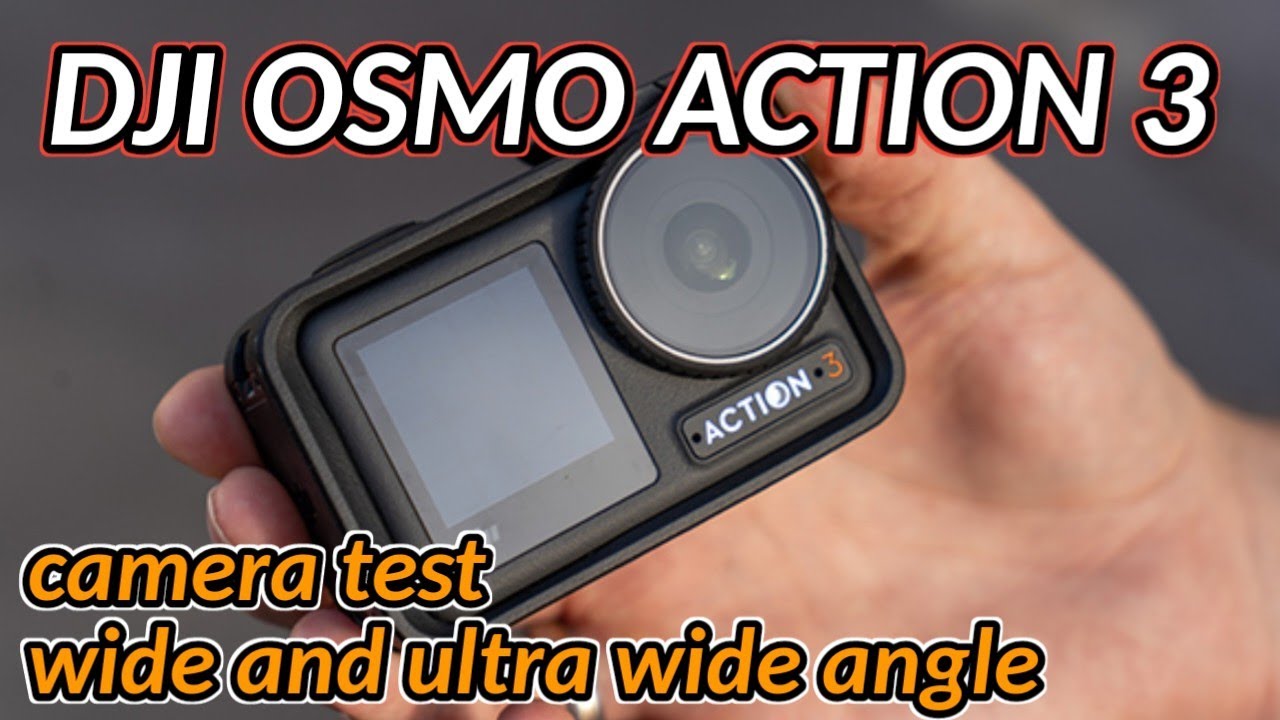
The DJI Osmo Action 3 offers two primary field of view (FOV) modes: Ultra Wide (about 155°) and a narrower Wide mode (roughly 145°; check DJI’s spec page for exact figures). That difference sounds small on paper. On a motorcycle, it has a meaningful effect on how your footage looks, how well stabilization performs, and how natural the riding perspective appears to a viewer.
This guide compares both settings across the conditions that matter most for motorcycle use (winding roads, highway sections and scenic overlooks), based on how field of view and stabilization interact, to help you choose which to use and when to switch.
Understanding the Two FOV Modes
Ultra Wide
The Ultra Wide setting captures almost the full peripheral field of vision — you see the full width of a canyon road, the sky above, and the road surface below simultaneously. For motorcycle riding, this creates a highly immersive first-person perspective. It’s also more forgiving for mounting angle: small errors in vertical alignment matter less when you’re capturing such a broad swath of the scene.
The tradeoff is distortion. At this angle, the edges of the frame curve noticeably. Straight road edges and horizon lines bow. This looks natural for action footage — our brains accept the fisheye perspective in an action context. It looks wrong in any situation where the camera is meant to represent natural vision, like a slow-paced scenic ride where distortion draws attention to itself.
Wide (narrower)
The narrower Wide setting produces a more natural-looking image with significantly less edge distortion. Straight lines stay straighter. The horizon reads as horizontal. The perspective is closer to what a camera mounted at eye level would naturally see.
The tradeoff: you lose scene coverage at the edges. In tight canyon sections where the road curves close to both sides of the frame, you may clip the edge of the road. For riders who publish content where visual quality matters over immersiveness — touring videos, scenic route documentation — Wide often produces more polished-looking footage.
Stabilization: How FOV Affects Performance
The Osmo Action 3’s RockSteady stabilization works by digitally cropping into the recorded frame to compensate for movement. Ultra Wide mode, with its larger original field of view, gives the stabilization algorithm more pixel data to work with before the crop.
The likely result: stabilization has slightly more room to work in Ultra Wide mode, so on rough chip-seal roads Ultra Wide footage may be marginally smoother than Wide footage with the same settings. Any difference is small, and results vary with mount, road surface and settings.
For most paved motorcycle riding, both modes stabilize well. If you’re doing off-road or ADV riding on rough surfaces, Ultra Wide gives the stabilization algorithm more headroom.
Which FOV Suits Which Scenario
These suggestions are based on how each mode behaves, not on measured results.
| Scenario | Better FOV | Why |
|---|---|---|
| Tight canyon roads with close walls or guardrails | Ultra Wide | Captures full road width; immersive feel matches the confined space |
| Open mountain highways with long sight lines | Wide | Reduces distortion; horizon looks natural in scenic footage |
| Dense forest single-track or ADV trails | Ultra Wide | Maximum coverage; stabilization handles rough surface better |
| Group ride footage looking back at following riders | Wide | Less facial distortion on riders close to frame edges |
| Selfie-style clips at pull-offs | Ultra Wide | Includes more background scenery at arm’s length |
| Tunnel entry/exit transitions | Ultra Wide | More scene data helps stabilization handle the camera adjustment |
1080p 60fps: Why This Resolution Makes Sense for Motorcycle Riders
1080p at 60fps is often underestimated as a “lesser” setting compared to 4K, but for motorcycle riders it’s worth understanding when it makes sense:
- Storage efficiency: 1080p/60fps files are roughly 25% the size of 4K/60fps files. On a long touring day, this matters for card capacity.
- Playback compatibility: 1080p is natively compatible with every platform and device without transcoding.
- Slow motion: 1080p/60fps plays back at 2x slow motion in a 30fps timeline — enough for smooth corner highlights without stepping up to 4K/120fps (which produces much larger files).
For daily riding documentation and social media, 1080p/60fps is a practical choice. For content you plan to display on large screens or that represents showcase routes, 4K is worth the storage.
Recommended Settings for Motorcycle Use
A suggested starting configuration for the DJI Osmo Action 3 on a motorcycle (adjust to your conditions):
- FOV: Ultra Wide as default; switch to Wide for open, scenic routes or group footage
- Resolution: 4K/60fps for canyon riding and feature content; 1080p/60fps for all-day touring
- Stabilization: RockSteady ON for all moving footage; HorizonSteady for switchback and aggressive cornering sections
- White Balance: Auto on sunny days; lock to Cloudy (6500K) on overcast days to prevent color shift
Find the DJI Osmo Action 3 on Amazon or at dji.com. For detailed setup and mounting guidance, see our full DJI Action Camera guide.
