The Power of the POV: Seeing Through the Rescuer’s Eyes
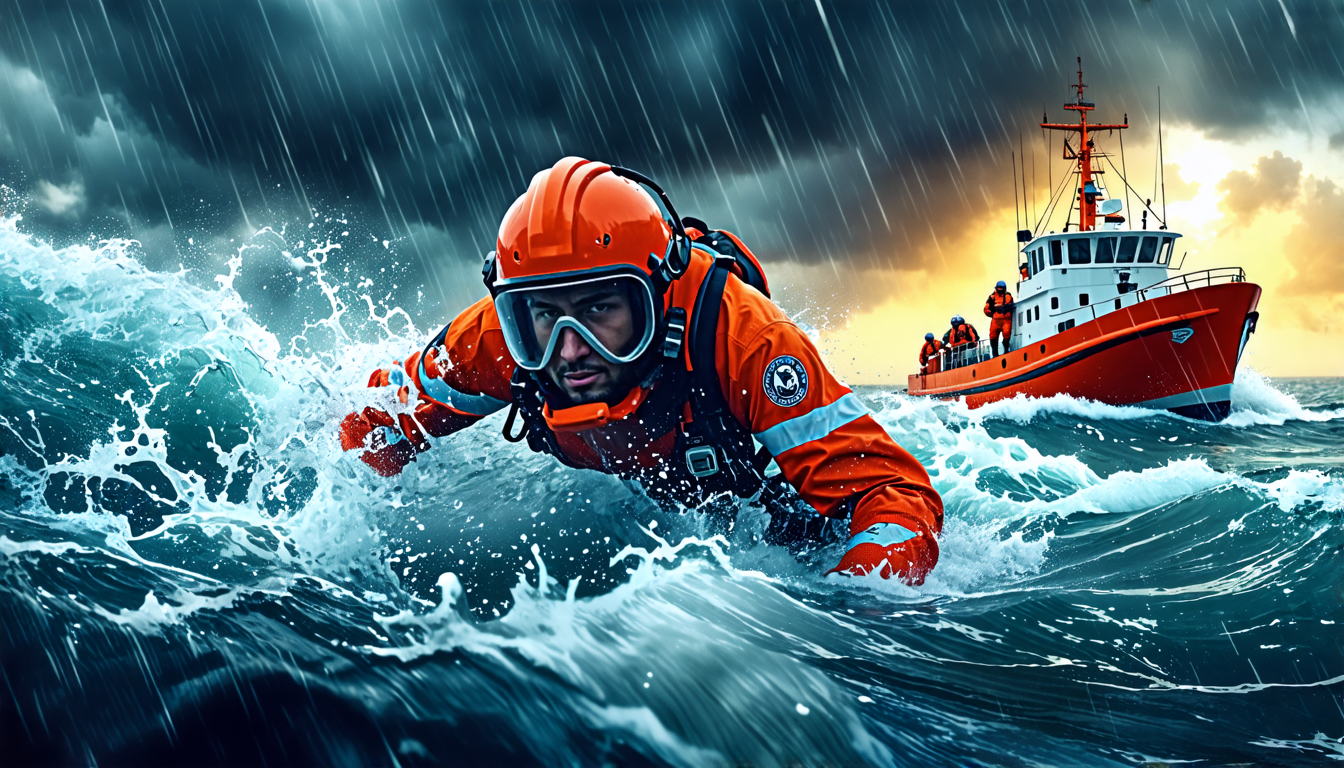
Imagine the violent pitch of a rescue helicopter, the deafening roar of rotors giving way to the crash of waves. Below, a victim fights the sea. Your view isn’t from a distant boat or a safe shoreline; it’s from the eyes of the swimmer leaping into the chaos. This visceral, first-person perspective transforms a news clip into an immersive experience. It places you in the heart of the storm, making the skill and courage tangible. This is the power captured when dramatic footage captures a Coast Guard swimmer’s rescue efforts through a helmet cam.
That footage does more than thrill. It serves as an unparalleled tool for education and analysis. Every frame is a data point, every shaky movement a lesson in physics and procedure. For the aspiring adventurer, documentarian, or safety professional, understanding this technology is not about making home movies. It’s about mastering the art of capturing truth in the most unforgiving environments. Your helmet camera is the key to documenting, analyzing, and honoring high-stakes operations with clarity and impact.
The Hardware: Choosing Your Eye in the Storm
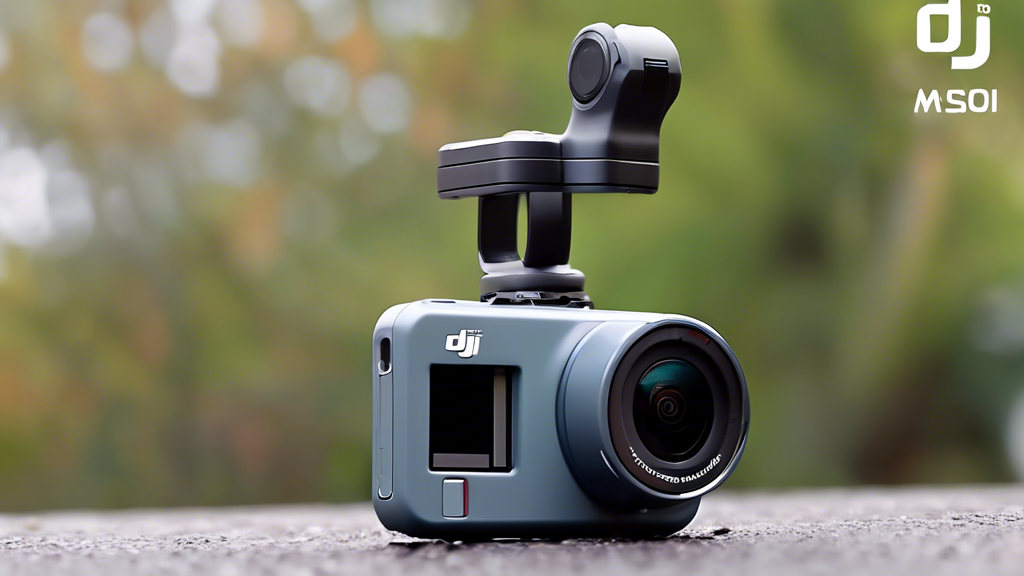
In a maritime rescue, failure is not an option—for the swimmer or their equipment. The camera on their helmet is a critical witness that must perform flawlessly. Your choice of hardware forms the unshakable foundation for capturing usable, impactful footage when conditions are at their worst.
Selection & Durability: Built for the Brink
Forget consumer-grade specs. Your primary benchmarks are waterproof rating, shock resistance, and operational temperature. Seek a camera rated to depths of 10 meters (33 feet) or more, not just for submersion but for protection against driving rain and spray. It must withstand repeated impacts and the constant vibration of aircraft and vessels. A camera that fails in a freezing North Atlantic gust is useless. Prioritize models marketed for extreme sports or professional duty; their design tolerances are your first line of defense.
Mounting & Perspective: The Secure Vantage Point
Placement is tactical. The camera must be securely mounted to the side or top of the helmet to approximate the swimmer’s field of view. This perspective is crucial for after-action review. Use a vibration-dampening mount to reduce high-frequency “jello effect” from rotor vibrations. The mount must be rock-solid; a lost camera in a rescue scenario is a hazardous distraction. Test the setup rigorously. Can the swimmer turn their head fully without obstruction? Does the mount snag on equipment? The goal is an extension of the body, not an added burden.
Core Specifications: The Performance Table
| Component Category | Options | Key Characteristics |
|---|---|---|
| Image Stabilization | Electronic (EIS) vs. Optical (OIS) | Optical Image Stabilization (OIS) is non-negotiable for violent motion. It uses physical lens movement to counteract shake, preserving image quality. Electronic stabilization can crop the image and struggle with the chaotic, multi-directional movement of rough seas. OIS provides the stable frame needed to analyze swimmer technique and victim condition. |
| Audio Fidelity | Built-in Microphone vs. External Mic Port | The built-in microphone will be overwhelmed by wind noise and water. An external microphone port is vital. It allows for a concealed lavalier mic under the helmet or a directional mic to capture clear communications—the swimmer’s breaths, commands to the victim, and coordination with the helicopter crew. This audio is critical for debriefs. |
| Sensor & Exposure Control | Auto Mode vs. Manual/Log Profiles | Auto exposure will fail, whiting-out the sky or blacking-out the water. A camera that allows for a flat or “Log” color profile preserves detail in shadows and highlights. This gives you the raw data to accurately represent the scene in post-production, crucial for identifying hazards or equipment in the water. |
The Rescue System: Capturing the Critical Variables
Filming a rescue is an exercise in environmental control. You are managing chaotic variables to document a coherent, analyzable narrative. The camera is a sensor array, and you are its operator.
Mastering Light and Exposure
The maritime environment is a high-contrast nightmare: a dark, reflective ocean beneath a bright, often overcast sky. Do not rely on full-auto mode. Use spot metering to expose for the mid-tones—the swimmer or the victim’s face. As noted in the table, employing a flat color profile is essential. It captures a wider dynamic range, ensuring you can see detail in the shadow of a wave crest and the details of the rescue basket simultaneously during review.
Controlling Motion and Meaning
Stabilization is not just for viewer comfort. For the rescue team, stable footage allows for precise after-action analysis. Did the swimmer maintain a proper approach angle against the current? How did the victim’s body position change during the harness attachment? A shaky, unintelligible video cannot answer these questions. Superior optical stabilization provides a stable reference frame, turning chaotic footage into a valuable training tool.
Ensuring Operational Clarity
The camera must document procedure without interference. Position it to capture key elements: the swimmer’s hand signals to the helicopter, the secure attachment of the rescue strop, and the victim’s condition during the hoist. This isn’t cinematic composition; it’s forensic documentation. The footage should allow a reviewer to verify every step of the standardized procedure was correctly executed under duress.
Advanced Practices: From Recording to Analysis
Once the hardware is set and the variables are understood, the focus shifts to the disciplined practice of using the tool. This is where recording transitions into creating operational assets.
Preparation: The “Set-and-Forget” Philosophy
All configuration happens pre-deployment. Set your resolution (4K for detail, 1080p for longer record times), frame rate (60fps for smoother slow-motion analysis), and exposure profile. Secure the housing, check the seals, and insert a formatted, high-endurance memory card. When the call comes, you activate with one button. During the rescue, you forget the camera. Your focus must be on the operation, not on fiddling with settings. The technology must be transparent.
Ongoing Data and Power Management
Rescues can be prolonged. You cannot afford a dead battery or a full memory card mid-hoist. Use multiple batteries and keep them in a waterproof, insulated pouch. Employ a 256GB or larger card, but also carry spares. Your post-mission ritual starts *before* the mission by ensuring you have the storage and power to document the entire event without a single thought.
Strategic Purpose: Dual-Use Footage
Understand the two lives of your footage. First, for public engagement, it showcases bravery and skill, building trust and awareness. Second, and more critically, for after-action review. This footage is debriefed frame-by-frame. Was the communication clear? Could the equipment deployment be faster? This analytical use directly feeds back into training, refining techniques, and ultimately saving more lives. You are not just a recorder; you are a data collector for continuous improvement.
Threat Management: Preventing Failure
A proactive mindset is everything. Equipment failure during a mission is a threat to the operational record, and distractions must be avoided.
Prevention: The Ritual of Readiness
Establish a non-negotiable maintenance routine. After every saltwater exposure, rinse the camera and housing with fresh water. Before every deployment, perform a seal check—look for debris, lint, or hair on the O-ring. Conduct a pre-op checklist: battery charge, available memory, lens cleanliness, mount security. This ritualistic care prevents the vast majority of field failures.
Intervention: Field Troubleshooting
Despite preparation, problems arise. A housing fogs up due to temperature change—this is why you use anti-fog inserts or wipes pre-mission. If GPS signal is lost (often useful for tagging rescue coordinates), understand it’s common over water and rely on the aircraft’s data. If a file corrupts post-mission, use data recovery software immediately; do not write new data to the card. Your response must be calm, methodical, and rooted in pre-learned solutions.
The Mission Cycle: An Operational Roadmap
| Phase | Primary Tasks | Focus On |
|---|---|---|
| Pre-Deployment | Full system check. Format memory cards. Apply anti-fog to housing. Confirm mount tightness and lens clarity. Charge all batteries. | Readiness and Reliability. Ensuring the tool is an invisible, guaranteed asset. |
| During Operation | Activate camera on insertion. Maintain natural point-of-view. Record continuously through recovery. Do not adjust settings. | Authentic Documentation. Capturing the procedure, not composing shots. Being a passive witness. |
| Post-Mission | Immediate secure data download to two separate drives. Gear decontamination (fresh water rinse). Battery charging for next alert. | Data Preservation and Sustainment. Protecting the evidentiary record and returning gear to a state of readiness. |
Beyond the Drama: The Legacy in the Lens
The true value of this dramatic footage lies not in its viral potential, but in its stark authenticity and profound utility. It is the unvarnished truth of skill meeting chaos. By mastering the technology—from selecting a camera that can survive the storm to managing the data that informs future training—you elevate a simple recording into a tool for excellence.
You begin with a choice of hardware, progress through the disciplined control of environmental variables, and culminate in a practice that serves both tribute and training. The next time you see that dramatic footage of a Coast Guard swimmer’s rescue efforts through a helmet cam, you will perceive more than heroism. You will see the culmination of prepared technology, flawless procedure, and a relentless commitment to improvement. You will see a system designed not just to capture life-saving acts, but to create more of them.