The DJI Osmo Action 5 Pro Review: Redefining the Action Camera Standard
The Vision of Uncompromised Capture
You crest the mountain trail, the view is breathtaking, and the descent is pure exhilaration. Weeks later, you review the footage. The memory is vivid, but the video is a jittery, wind-blasted mess. The story is lost in technical failure. This frustration ends now. The promise of modern action cameras is not just to record your adventure, but to elevate it with the clarity and drama of a cinematic story. This comprehensive review of the DJI Osmo Action 5 Pro demonstrates that mastering this tool is the key to that transformation. It is the foundation for turning raw adrenaline into polished, professional-grade narratives.
Foundational Choices: Decoding the Hardware
Your creative success begins with the physical tool. The Action 5 Pro is a sophisticated imaging system, and understanding its core components is your first step toward mastery.
Part A: Design & Durability
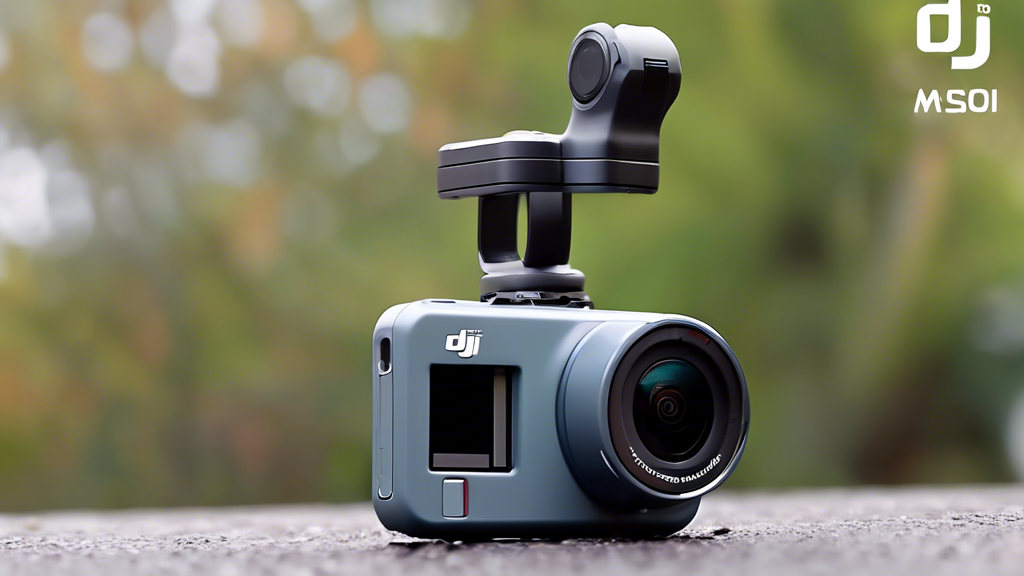
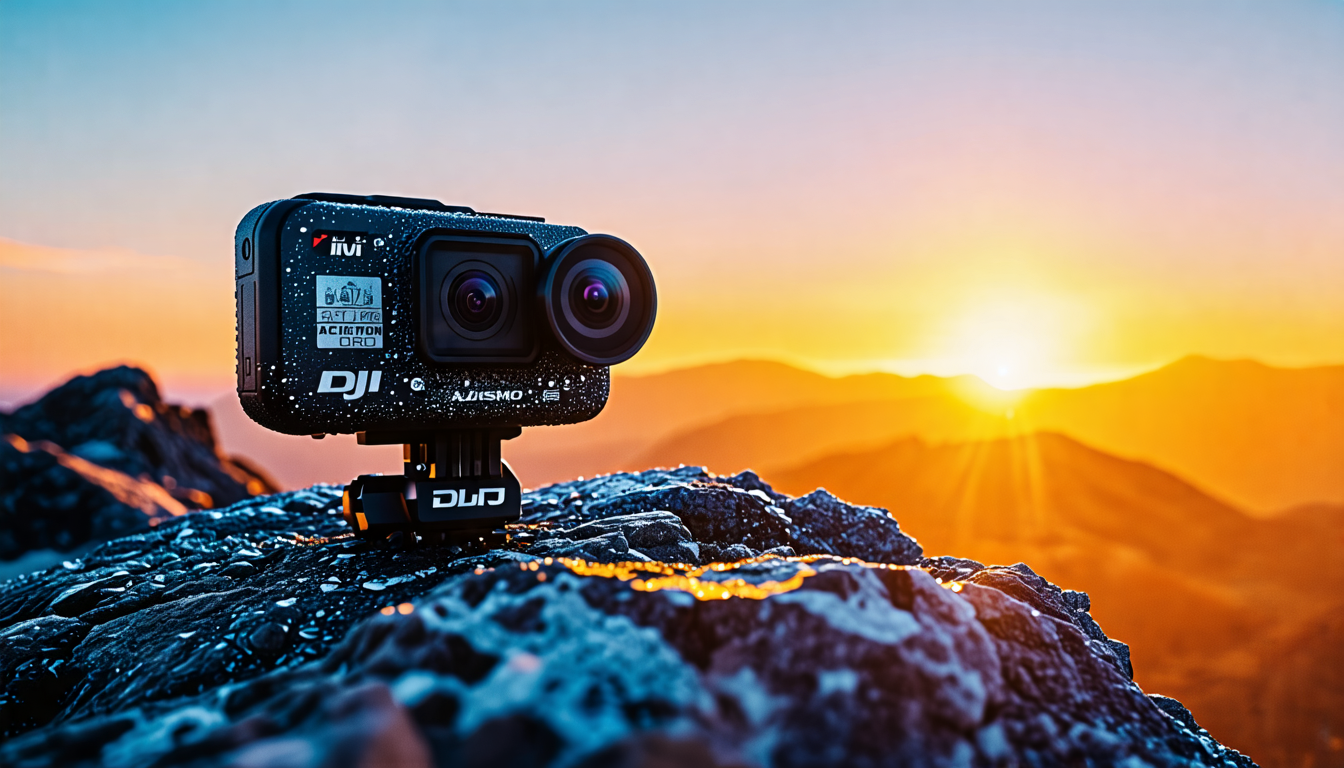
The camera’s redesigned chassis feels substantial yet manageable. Its weight and balance are optimized for the enhanced RockSteady 4.0 stabilization, which works mechanically and digitally to neutralize shakes. Both the front and rear touchscreens are remarkably bright, remaining usable in direct sunlight, and they respond reliably even with wet fingers. The inclusion of a 10-bit D-Log M color profile is a game-changer; it captures a wider dynamic range, preserving detail in shadows and highlights, giving you a flat color image perfect for powerful grading in post-production.
Part B: Core Imaging Performance
At its heart is a large 1/1.3-inch sensor paired with a fast f/2.8 aperture. This combination excels in diverse lighting. You can shoot ultra-smooth 4K video at 120 frames per second for breathtaking slow motion or capture crisp 48-megapixel still photos. In low-light conditions, performance is respectable; noise is controlled, and details remain clear, though naturally, it can’t match larger-sensor cameras. The flexibility here is exceptional.
Part C: Component & Accessory Ecosystem
The true power of this camera is unlocked through its modular ecosystem. Your choice of accessories defines its functionality.
| Component Category | Options | Key Characteristics |
|---|---|---|
| Magnetic Quick-Release | Standard Adapter, GPS Preview Remote | Enables one-second swaps between mounts. The lock is incredibly secure. The GPS Remote allows wireless framing control and data tagging. |
| Audio Solutions | Internal Mics, DJI Mic 2 Integration | Built-in mics feature advanced wind noise reduction. Seamless pairing with the DJI Mic 2 transmitter enables pro-level wireless audio with perfect sync. |
| Power Management | Endurance Battery, Battery Case | The larger battery significantly extends record time. The charging case manages and stores multiple batteries efficiently for all-day shoots. |
The Core System: Management and Control
Great footage is not captured by accident. It is the result of actively managing key variables. The Action 5 Pro gives you precise control.
Control Variable 1: Stabilization & Framing
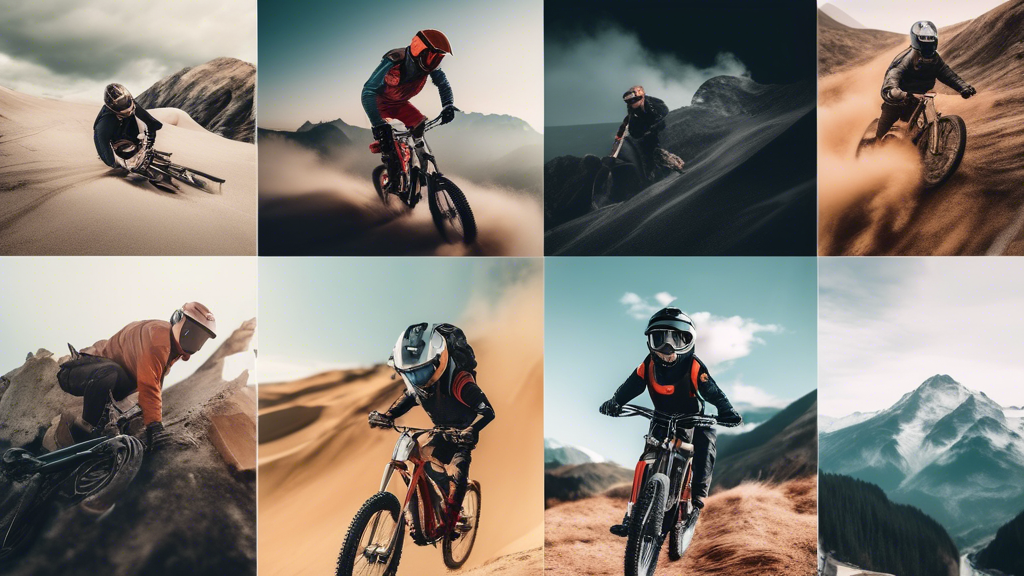
The ideal state is perfectly level, buttery-smooth footage regardless of movement. The consequence of poor control is jerky, unwatchable video. Your control tools are multifaceted. Use standard RockSteady for general action. Engage HorizonSteady for activities with extreme tilting, like mountain biking, to keep the horizon locked. The quick-switch button to a 9:16 vertical frame is invaluable for social media creators.
Control Variable 2: Exposure & Color
Your target is an image that retains detail in bright skies and dark forests, captured in a flat color profile for maximum grading flexibility. Failure here means blown-out highlights or murky, noisy shadows. Take control by using the touchscreen to set an auto-exposure lock on your subject. Program the QuickSwitch buttons for instant access to EV compensation or to toggle D-Log M on/off. This proactive management ensures you get the best data for post-production.
Control Variable 3: Audio & Connectivity
Aim for crisp, clear dialogue and immersive ambient sound, with seamless wireless control from your phone. The consequence of neglect is muffled audio plagued by wind and complicated file transfers. Activate the wind noise reduction algorithm in windy conditions. For interviews or vlogging, pair a DJI Mic 2 transmitter for broadcast-quality wireless audio. Use the DJI Mimo app’s live view feature, which streams a high-quality, low-latency feed to your phone for remote framing.
Advanced Practices: Optimization and Workflow
Mastery means moving beyond default settings to craft a seamless, efficient workflow that produces your signature look.
Preparation: Settings Profiles
Before you head out, create and save custom shooting profiles. I have one for mountain biking (4K/60fps, HorizonSteady, D-Log M On), one for vlogging (4K/30fps, standard stabilization, DJI Mic 2 audio), and one for snorkeling (4K/120fps, waterproof housing check). This allows you to switch contexts in two taps, ensuring you’re always optimally configured.
Ongoing Inputs: Power & Storage Strategy
While battery life is good, demanding settings like 4K/120fps will drain it faster. Your strategy is non-negotiable: carry at least two extra Endurance batteries and a charging case. Use only high-speed, V30-rated microSD cards (so-called “Enduro” cards) to handle the massive data rates without dropping frames.
Selection & Strategy: Shooting for the Edit
Think like an editor while you shoot. Use the QuickSwitch button to instantly change your field of view from wide to narrow during a single shot, creating dynamic perspective shifts. Shoot establishing shots, action sequences, and detail close-ups as intentional B-roll. The camera’s built-in timecode sync (when using multiple DJI devices) is a professional feature that makes multi-camera editing a breeze.
Threat Management: Problem Prevention & Solution
A professional approach is proactive. Most common issues are preventable with simple habits.
Prevention: The Field Kit
Your kit must include microfiber lens cloths for daily cleaning, a silicone protective sleeve for rocky environments, and a routine. Before any water activity, meticulously check the housing seal for debris, press the latch firmly, and conduct a shallow water test. This ritual prevents catastrophic failure.
Intervention: Troubleshooting Guide
When problems arise, follow a tiered response.
Problem: Overheating Warning.
Response 1: Immediately move the camera out of direct sunlight.
Response 2: Lower the recording resolution or frame rate.
Response 3: In extreme cases, attach an accessory cooler or point a breeze at it.
Problem: Wireless Connection Drops.
Response 1: Power cycle both the camera and the DJI Mimo app on your phone.
Response 2: Re-pair the devices via the settings menu.
Response 3: Check for and install the latest firmware updates for both devices.
The Action Plan: A User’s Seasonal Roadmap
| Season/Phase | Primary Tasks | What to Focus On |
|---|---|---|
| Initial Setup (Week 1) | Update to latest firmware. Program QuickSwitch buttons. Create 3 custom shooting profiles. | Personalizing the control scheme for your primary activity. Mastering the magnetic mount system. |
| Active Season (e.g., Summer Adventures) | Clean lens before each shoot. Perform pre-dive seal check. Offload and back up footage nightly. | Capturing stable, well-exposed action with clean audio. Experimenting with different stabilization modes. |
| Off-Season / Editing Phase | Color grade D-Log M footage in your editor. Organize and archive your media library. Inspect and service camera seals. | Crafting the final visual story. Maintaining gear longevity. Planning projects for the next season. |
The Transformation Awaits
The core principle of the DJI Osmo Action 5 Pro is control. It transforms from a simple rugged box into a cinematic instrument you command. Your journey begins with understanding its robust hardware, progresses through actively managing stabilization and exposure, and culminates in a streamlined workflow that delivers editable master files. The ultimate reward is the profound satisfaction of watching your own adventures rendered with stunning, steady, professionally polished clarity. This review confirms the Action 5 Pro as the new benchmark, a tool that doesn’t just document your journey, but actively enriches it, frame by spectacular frame.