
Stabilization is the most important technical factor in motorcycle helmet camera footage — but there’s genuine confusion about whether you need a physical gimbal, electronic stabilization (EIS), or AI-based software stabilization. This guide explains what each type does, how they compare for motorcycle use, and which approach is right for different riding situations.
The Three Types of Stabilization
1. Electronic Image Stabilization (EIS) — Built into Most Action Cameras
EIS works by using the gyroscope and accelerometer inside the camera to detect motion, then digitally cropping and shifting the frame to compensate. The camera essentially records more than you see, and the processor uses the extra pixels as a buffer to smooth out movement.
Examples: GoPro HyperSmooth 6.0, DJI RockSteady 4.0, Insta360 FlowState.
For motorcycle use: Modern EIS on cameras like the GoPro Hero 13 Black and DJI Osmo Action 5 Pro handles most riding scenarios very well. At motorway speeds on smooth asphalt, EIS produces footage that appears gimbal-smooth. The main limitation is high-frequency vibration — if your engine vibrates intensely at certain RPMs (common with single-cylinder or V-twin engines), some EIS systems struggle.
Crop factor: EIS requires cropping the image, typically losing 10–20% of the frame. On a 4K sensor this is acceptable. On a 1080p camera the crop can be visible.
2. Optical Image Stabilization (OIS) — Rarely Found in Action Cameras
OIS uses a physically moving lens element or sensor to counteract movement mechanically. It’s common in smartphone cameras but rarely found in action cameras due to the size and complexity involved.
For motorcycle use: The Sony RX0 II has OIS but is not a typical helmet camera choice. For practical purposes, you won’t encounter OIS in a helmet camera purchase decision.
3. Physical Gimbal Stabilization — Separate Accessory
A camera gimbal (like the DJI RS 3, RS 4, or OM 6) uses motorised axes to physically keep the camera level regardless of movement. It processes motion 10,000+ times per second and makes mechanical corrections in real time.
Results: Technically the smoothest possible footage — smoother than any EIS system. Professional film and TV productions use gimbals for exactly this reason.
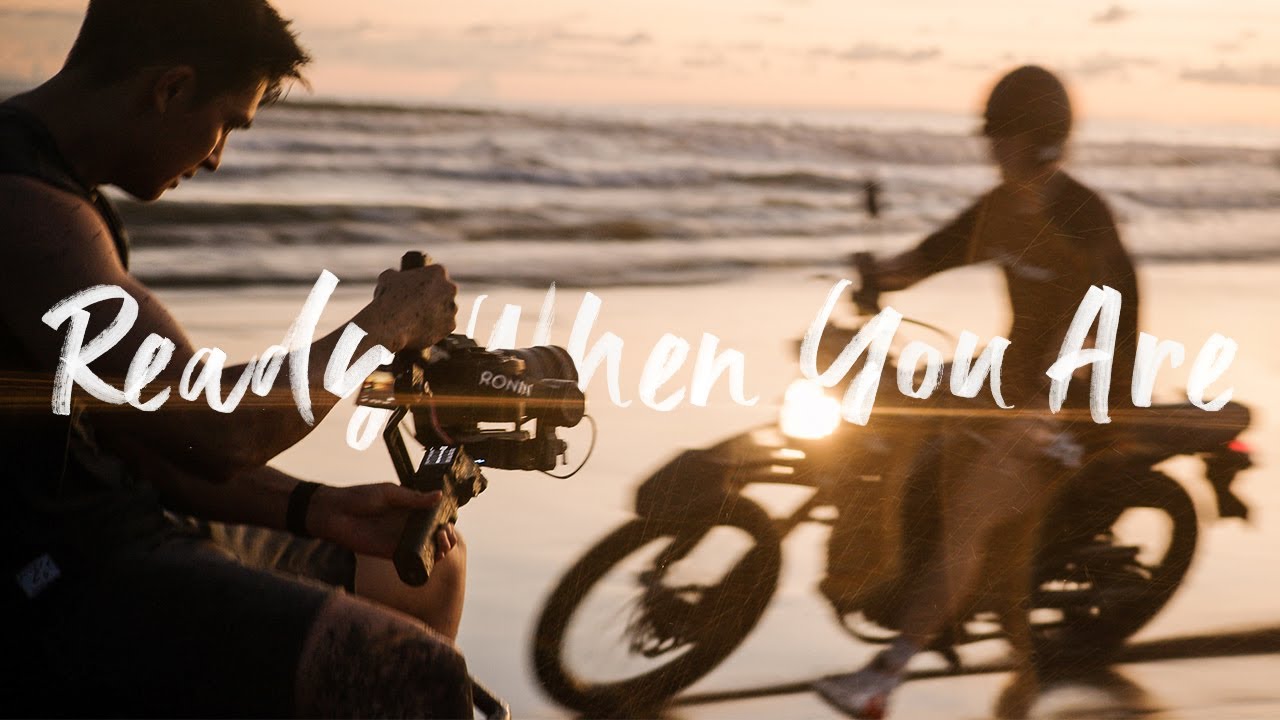
For motorcycle helmet use: Impractical. A gimbal is designed for handheld camera movement, not for mounting to a helmet. The physical size, weight (400–600g for a camera gimbal), battery requirements, and aerodynamic impact make helmet mounting unsafe and unworkable. Gimbals are the right tool for filming motorcycles — from a chase vehicle, a pillion seat, or handheld for stationary shots. They are not the right tool for mounting on your helmet while riding.
What Actually Causes Shaky Motorcycle Footage
Understanding the source of vibration helps you solve it with the right tool:
| Vibration Source | Frequency | Best Fix |
|---|---|---|
| Road surface (bumps, potholes) | Low frequency | EIS handles well |
| Engine resonance (single/V-twin) | Medium frequency (30–100Hz) | Anti-vibration mount pad + EIS |
| Wind buffeting at high speed | Low frequency | EIS handles well |
| Helmet wobble from loose fit | Low frequency | Tighter fit / better mount |
| Mount looseness (worn quick-release) | Random | Replace mount hardware |
The Anti-Vibration Mount: The Underrated Solution
For motorcycles with significant engine vibration (particularly large V-twins, single-cylinder adventure bikes, and older inline-fours with worn engine mounts), an anti-vibration mount pad placed between the helmet and the camera mount can dramatically improve footage quality.
Options worth trying:
- GoPro Anti-Vibe Mount (~$20) — designed specifically for this purpose. Absorbs vibration between the camera and mount through internal rubber elements.
- Generic silicone vibration damper pads (~$8–12 on Amazon) — cut to fit between any mount and the helmet surface.
- Loctite Blue on mount screws — prevents loosening from vibration over time without permanently bonding.
EIS Comparison: Which Action Camera Has the Best Stabilization for Motorcycles?
| Camera | EIS System | Motorway Performance | Rough Roads |
|---|---|---|---|
| GoPro Hero 13 Black | HyperSmooth 6.0 | Excellent | Excellent |
| DJI Osmo Action 5 Pro | RockSteady 4.0 | Excellent | Very Good |
| Insta360 X5 | FlowState (360°) | Excellent | Excellent |
| DJI Osmo Action 3 | RockSteady 3.0 | Very Good | Good |
| GoPro Hero 11 Black | HyperSmooth 5.0 | Very Good | Good |
| Generic action cameras | Basic/none | Poor | Unusable |
Post-Production Stabilization: The Third Option
If your footage has residual shakiness after EIS, software tools can help in editing:
- DaVinci Resolve (free) — Stabilization tool in the Color page. Good for low-frequency wobble.
- GoPro Quik — Auto-stabilizes clips from any GoPro camera. Works well for minor corrections.
- Adobe Premiere / Warp Stabilizer — Industry standard, produces excellent results but adds significant crop to the frame.
- Insta360 app (for 360° cameras) — ReFrame tool applies FlowState post-stabilization when you choose your viewpoint.
Verdict: Do You Need a Gimbal for Helmet Camera Footage?
No. For motorcycle helmet mounting, a modern action camera with quality EIS (GoPro Hero 11/13, DJI Osmo Action 3/4/5) combined with a secure mount and anti-vibration pad produces footage that is indistinguishable from gimbal footage for most viewing purposes. Gimbals are the right tool for handheld and vehicle-mounted filming — not for helmet mounting while riding.
Use our Mount Advisor tool to find the best mount combination for your helmet, camera, and riding style — including anti-vibration recommendations for your engine type.
Frequently Asked Questions
My single-cylinder adventure bike creates a lot of vibration — will EIS be enough?
Modern EIS (HyperSmooth 5.0+ or RockSteady 3.0+) handles most single-cylinder vibration well. Add an anti-vibration mount pad as a secondary measure. If you’re still seeing issues, a chin mount (more vibration-dampened position) often produces better results than a top mount for high-vibration engines.
Can I use a handheld gimbal to film from a motorcycle?
Yes — if you have a pillion who can hold the gimbal, or you mount it on a tank bag or tail rack. The DJI RS 3 Mini or DJI OM 6 are good options for passenger-held filming. This is completely different from helmet mounting.
Official resources: GoPro HyperSmooth 6.0 specifications | DJI RockSteady 3.0 specifications.
