The Vision of Perfect Perspective
You’re carving down a single-track trail, the handlebars brushing against ferns. Later, watching the footage, you see only the path directly ahead. The lush tunnel of green, the sheer drop to the side—it’s all missing, cropped out. That’s the frustration of the wrong field of view: a story half-told.
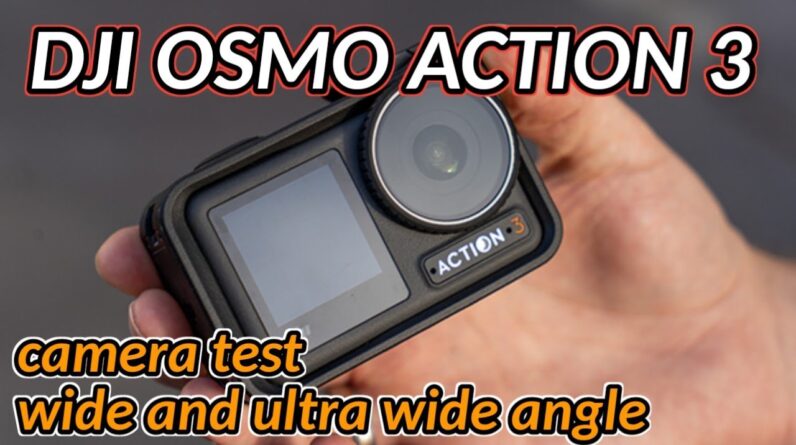
This isn’t just about seeing more. It’s about feeling more. The lens you choose dictates the immersion, stability, and narrative power of every clip. Mastering the DJI Osmo Action 3’s dual lens options is the key to transforming raw action into dynamic, professional-looking content. This definitive test cuts through the speculation, giving you the knowledge to command perspective.
Foundational Choices: Understanding Field of View
Before you hit record, you make your most critical creative decision: Ultra Wide or Wide? This choice forms the foundation of your shot, impacting everything that follows.
FOV Selection and Use Cases
The Osmo Action 3 offers two distinct perspectives, each with a clear purpose.
Ultra Wide (155°): This is your immersion engine. It captures a staggering 155-degree field of view, pulling the viewer into the scene. It’s ideal for capturing expansive landscapes, maximizing the effect of RockSteady stabilization, and ensuring you never miss critical action in fast-paced, unpredictable environments like mountain biking or skiing.
Wide (145°): Think of this as your balanced workhorse. At 145 degrees, it retains a broad, engaging perspective but reduces the pronounced edge distortion (the “fisheye” effect) of the Ultra Wide mode. It’s perfect for general action shots, vlogging, and situations where natural-looking geometry is important.
The Test Parameters: Why 1080P at 60FPS?
For this controlled comparison, we locked the resolution at 1080P and the frame rate at 60 frames per second. This is the sweet spot for creators. It delivers smooth, versatile footage perfect for slow-motion, maintains manageable file sizes for editing and storage, and ensures the camera’s processing power is dedicated to rendering the best possible image from each lens mode. It’s the standard by which most day-to-day action footage is judged.
The Core System: A Side-by-Side Technical & Practical Analysis
We put both fields of view through identical scenarios. Here is what the data and the eye reveal.
Immersion & Composition
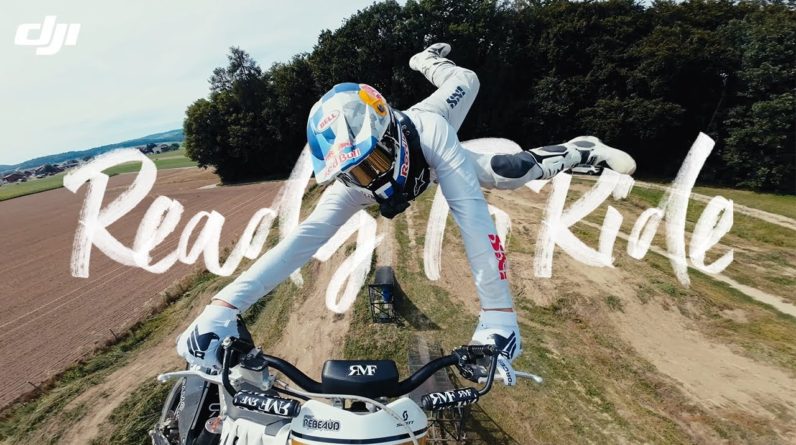
The difference is immediately visceral. The Ultra Wide setting doesn’t just add a little more to the edges; it fundamentally changes the scene. In a selfie-style shot, Ultra Wide includes significantly more of your surroundings—you see the trail behind you, the sky above. Wide offers a more focused, traditional frame, keeping the attention tighter on you. For capturing the full scale of a mountain face or the width of a kayak’s bow wave, Ultra Wide is unparalleled.
Distortion & Image Quality
This is the primary trade-off. The Ultra Wide lens introduces noticeable curvature at its extremes. Straight lines like building edges or horizon lines will bend. The Wide mode presents a much more natural, rectilinear image. In terms of sharpness at 1080P, both modes perform excellently in the center of the frame. The Ultra Wide mode shows a slight softness at the very far edges, a typical characteristic of such an extreme field of view.
Stabilization Performance
DJI’s RockSteady stabilization works by digitally cropping into the sensor’s image. The Ultra Wide mode, with its massive original view, gives the stabilization algorithm more pixels to work with for its corrective crop. The result? Footage that feels glued to the horizon. While Wide mode stabilization is still excellent, the Ultra Wide setting provides a perceptible edge in smoothing out the most violent shakes and jitters.
Advanced Practices: Choosing the Right Angle for Your Action
With the fundamentals mastered, you can now strategize. This is where technical knowledge becomes creative instinct.
Preparation: Set up a quick-toggle shortcut for FOV in the Osmo Action 3’s menu. I assign mine to a front-button press, allowing me to switch perspectives without breaking my stride.
Your Strategic Usage Guide
- Deploy Ultra Wide for: Mountain biking/skiing on tight trails, dashboard mounting, capturing full-body skateboarding tricks, or any situation where maximum immersion and hyper-smooth stabilization are the goals.
- Choose Wide for: Running, hiking vlogs, water sports (where a distorted horizon can feel unnatural), interview-style clips, or any shot where maintaining straight lines and minimal subject distortion is a priority.
Pro Tip: In unpredictable environments, start with Ultra Wide. It acts as a compositional safety net, ensuring you capture the entire scene. You can always crop to a tighter view in editing, but you can never add back what was never recorded.
Avoiding Common Field of View Pitfalls
A master controls the tool, not the other way around. Be proactive to avoid these common errors.
Prevention is Key: With Ultra Wide, constantly scan the edges of your frame. That stray backpack strap, your bike’s handlebar end, or a bystander can easily creep into the shot and become a distraction. A quick two-second check before recording saves minutes in editing.
When to Intervene and Switch: Avoid Ultra Wide for formal interviews, architectural shots, or any content where precise, straight lines are crucial. Also, if you are critically low on storage or need the fastest possible processing transfer speeds, the slightly smaller files from Wide mode can be an advantage.
Your Field of View Decision Matrix
Use this quick-reference table to make confident, instant choices in the field.
| Scenario | Recommended FOV | Primary Reason |
|---|---|---|
| Mountain Biking on Tight, Technical Trails | Ultra Wide | Maximizes immersion and RockSteady performance; captures full width of the trail and handlebar action. |
| Beach Day Vlog with a Group of Friends | Wide | Reduces facial distortion for people at the edges of the frame; maintains a clean, professional composition. |
| Skateboarding Park Run | Ultra Wide | Captures the full body board-flip and the park’s ramp geometry in one dynamic shot. |
| Travel Walkthrough of a City | Wide | Keeps building lines straight and natural; provides a balanced, cinematic view of streets and scenes. |
Commanding Your Perspective
There is no single “best” setting on the DJI Osmo Action 3. There is only the perfect tool for the shot. The power lies in understanding the trade-off: breathtaking immersion versus natural geometry, hyper-smooth stability versus a slightly tighter frame.
This knowledge transforms you from a passive recorder to an active director. You will instinctively reach for Ultra Wide to swallow a landscape whole, then switch to Wide to frame a crisp, clean conversation. This versatile control is the true genius of the camera. It empowers you to not just document your adventures, but to author them with the perspective they deserve.
This deep dive into field of view is just the first chapter. A camera is more than its lens. For my final verdict on the Osmo Action 3’s endurance, color science under different lights, and its performance as a daily companion, the full assessment is coming. Stay tuned for my complete review following this comprehensive test!