From Shaky Memories to Cinematic Stories
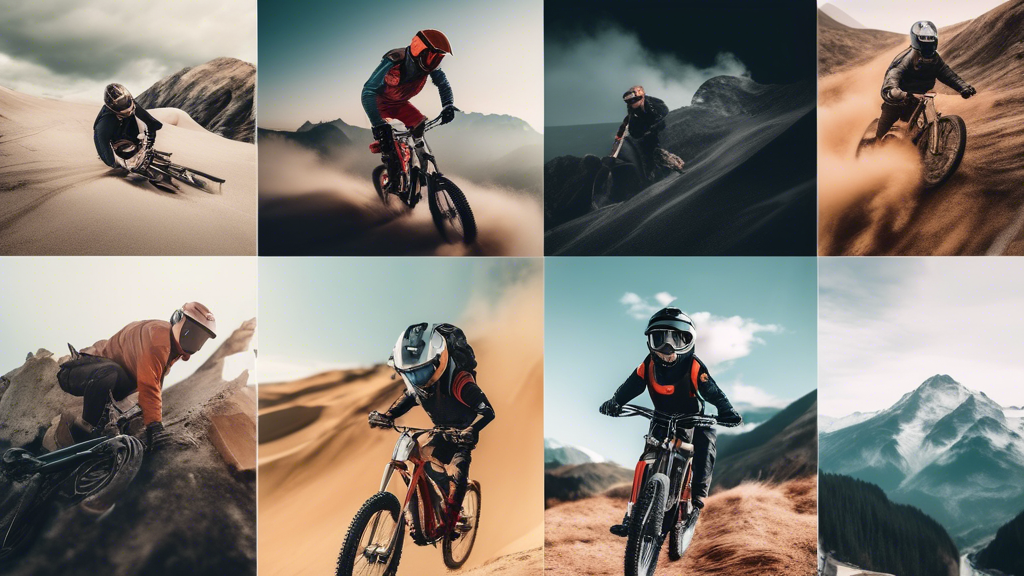
You crest the mountain bike trail, heart pounding. The view is epic, but the footage on your phone is a nausea-inducing blur. Your greatest adventures deserve better than shaky, forgettable clips. A DJI Action Camera transforms you from a passive recorder into an active director of your own story.
This device is more than hardware; it’s a passport to professional-grade capture. Mastering it is the key to unlocking breathtaking, buttery-smooth content from any environment. Let’s build your expertise from the ground up.
Foundational Choices: Selecting Your DJI Model
Your choice of camera is the bedrock of your entire creative system. Picking the right model for your primary use case ensures you have the right tool for the job from day one.
Part A: Model Selection & Core Use Case
DJI’s Osmo Action series offers distinct tools. The standard model, like the Osmo Action 4, is a versatile powerhouse with a large sensor for superior low-light performance, making it ideal for travel vlogging, hiking, and everyday adventures. The rugged Osmo Action 4 variant, built for extremes, adds a tougher outer shell and higher operating temperature tolerance, making it the definitive choice for mountain biking, motocross, or surfing where impacts and grit are constant threats.
Part B: Critical Kit & Setup
Out of the box, your success hinges on three accessories. First, the protective frame is non-negotiable; it’s your camera’s first line of defense. Second, master the magnetic quick-release system. This isn’t a gimmick—it’s a game-changer for swapping angles in seconds mid-activity. Third, always start with a proven mount, like the versatile handlebar or helmet mount, to ensure a secure foundation.
Part C: Core Specifications Breakdown
| Component Category | Options & Models | Key Characteristics |
|---|---|---|
| Sensor & Low-Light Performance | Osmo Action 4 (1/1.3″) | Larger sensor size; Excellent for dawn, dusk, or indoor action; Captures more light with less noise. |
| Video Resolution & Frame Rate | 4K/120fps, 2.7K/120fps | 4K delivers ultra-sharp detail for main footage; 120fps enables stunning slow-motion replay at 2.7K or 4K. |
| Stabilization Modes | RockSteady, HorizonSteady, HorizonBalancing | RockSteady is for general ultra-smooth shots; HorizonSteady locks the horizon during rolls; HorizonBalancing is for extreme 360-degree correction. |
| Key Operational Feature | Front Color Screen | Essential for vloggers and framing self-shot content; Provides full settings control and preview. |
The Core System: Mastering Settings & Stabilization
Think of your camera as a dynamic environment you control. Master these three variables, and you command every scene.
The Stabilization Trinity
This is DJI’s magic. Use RockSteady for everyday smoothness on trails or runs. Engage HorizonSteady when your activity involves intentional tilts, like banking on a bike, to keep the horizon level. Reserve HorizonBalancing for the most chaotic motion—like a downhill MTB run—where you need absolute horizon lock. The wrong mode can over-crop your video or fail to correct enough.
The Exposure Triangle for Action
Forget complex settings. Use this preset mindset: For crisp slow-motion, set your frame rate to 120fps at 2.7K or 4K. For the best low-light performance, use 4K at 30fps and let the large sensor work. For a wide, immersive feel (like on a ski slope), set the field of view to “Wide.” For a more focused, cinematic look without distortion, use “Standard.”
Audio Control
Wind noise ruins pristine footage. Always slide on the included windproof microphone sleeve for outdoor use—it’s a simple, 100% effective fix. For advanced audio, like dialogue, use the USB-C port to connect an external lavalier mic. Control is the difference between hearing the environment and hearing only a hurricane.
Advanced Practices: Cinematic Capture & Workflow
Now, we shift from technical control to creative application. This is the art of action cinematography.
Shot Preparation: Mounting Dictates Perspective
Your mount is your camera operator. A chest mount delivers a powerful, first-person view that shows your hands and handlebars. A helmet mount offers a “see what I see” perspective perfect for skiing or climbing. A handlebar or pole mount creates dynamic third-person shots or stable selfie videos. I never start a ride without at least two mounts ready to go.
Dynamic Inputs: Controlling the Camera Mid-Action
Fumbling with buttons breaks your flow. Use voice commands (“Start recording,” “Take a photo”) for hands-free control. Use the front color screenDJI Mimo App on your phone as a wireless monitor and remote for precise setup before the action starts. Efficiency here means you capture the moment, not miss it.
Shooting Strategy: Plan for the Edit
Don’t just record one long clip. Shoot intentional sequences. Capture a wide, establishing shot of the location. Get the immersive POV action shot from your primary mount. Then, grab a detail shot—like your hands on the gear or feet on the pedals—by quickly moving the camera. This three-shot sequence builds a professional, engaging story in post-production.
Threat Management: Durability & Problem Solving
Adventure is hard on gear. A proactive mindset protects your investment and your priceless footage.
Prevention: The Unbreakable Routine
Before every shoot, run a checklist: Is the lens clean? Is the protective housing securely locked for water activities? Are battery and memory card full and formatted? Is the firmware updated? I also always carry a lens cloth and a spare battery. This two-minute ritual prevents 99% of failures.
Intervention: A Tiered Troubleshooting Guide
If problems arise, escalate logically. For overheating, first stop recording and move to shade (Tier 1). Remove the camera from any non-breathable case (Tier 2). For app connectivity issues, restart the camera and phone Bluetooth (Tier 1). Re-pair the devices in the app (Tier 2). As a last resort, perform a firmware update via the DJI Mimo App (Tier 3). This methodical approach almost always finds a fix.
Your Year-Round Action Plan
| Season/Phase | Primary Tasks | What to Focus On |
|---|---|---|
| Summer & High Adventure | Test waterproof housing in a pool first. Use ND filters to prevent overexposed skies. Manage heat by keeping camera shaded when not rolling. | Water sports, mountain biking, hiking. Mastering exposure in bright, contrasty light. |
| Winter & Cold Weather | Use spare batteries kept in an inner pocket (cold drains them fast). Allow camera to acclimate slowly to prevent lens condensation. Use low-light settings. | Snowboarding, skiing, winter landscapes. Conquering flat, blue-hour light and preserving battery life. |
| Off-Season: Edit & Plan | Archive and organize footage. Update all camera and app firmware. Inspect and service mounts for wear. | Crafting your stories. Pre-production, scouting locations, and preparing your kit for the next adventure cycle. |
Direct Your Adventure, Frame by Frame
The principle is control—over your gear, your settings, and your creative vision. You’ve journeyed from selecting the right foundational model to deploying advanced cinematic strategies. This mastery transforms chaotic moments into composed narratives.
The reward is profound. It’s the unparalleled joy of sharing a buttery-smooth descent down a singletrack trail, the vivid colors of a sunset surf session, and the stable, clear legacy of your experiences. Your DJI Action Camera is no longer just a gadget. It’s your most trusted co-adventurer, turning every outing into a story worth telling again and again.