
Slow motion footage from a helmet camera is one of the most effective tools for creating compelling motorcycle content — and for analysing your own riding technique. But getting it right requires specific settings that most riders don’t configure correctly. This guide covers the exact slow-motion settings for GoPro Hero 13, DJI Osmo Action 5 Pro, and Insta360 cameras, plus when to use each mode for the best results.
How Slow Motion Works: The Basics
Slow motion video is simply footage recorded at a higher frame rate than it’s played back. Standard video plays at 24 or 30fps. If you record at 120fps and play back at 30fps, the footage plays at 1/4 speed — four times slower than real time.
| Record at | Play back at | Slow-motion factor | Looks like |
|---|---|---|---|
| 60fps | 30fps | 2x slower | Subtle — smooth movement |
| 120fps | 30fps | 4x slower | Clear slow-motion effect |
| 240fps | 30fps | 8x slower | Very dramatic slow motion |
| 240fps | 24fps | 10x slower | Cinema slow motion |
Best Slow-Motion Settings by Camera
GoPro Hero 13 Black
The Hero 13 is the most capable action camera for slow motion in its price range:
- 4K / 120fps — Best quality slow motion. 4x slow at full HD playback. Use this for: corner sequences, jump footage, arrival/departure shots at speed.
- 2.7K / 240fps — 8x slow motion with excellent quality. Use this for: water splashes, tyre roost, crash analysis, jump apexes in motocross.
- 1080p / 240fps — 8x slow motion. Lower resolution but useful for long takes where storage matters.
Critical shutter speed setting: At 120fps, set shutter to 1/240s. At 240fps, set shutter to 1/480s. This follows the “180° shutter rule” — shutter speed double the frame rate — and creates natural motion blur that makes slow motion look cinematic rather than stiff.
Stabilization at high frame rates: HyperSmooth Boost is not available at 4K/120fps on the Hero 13 — use Standard mode. The difference is minimal at the speeds involved in slow-motion sequences.
DJI Osmo Action 5 Pro
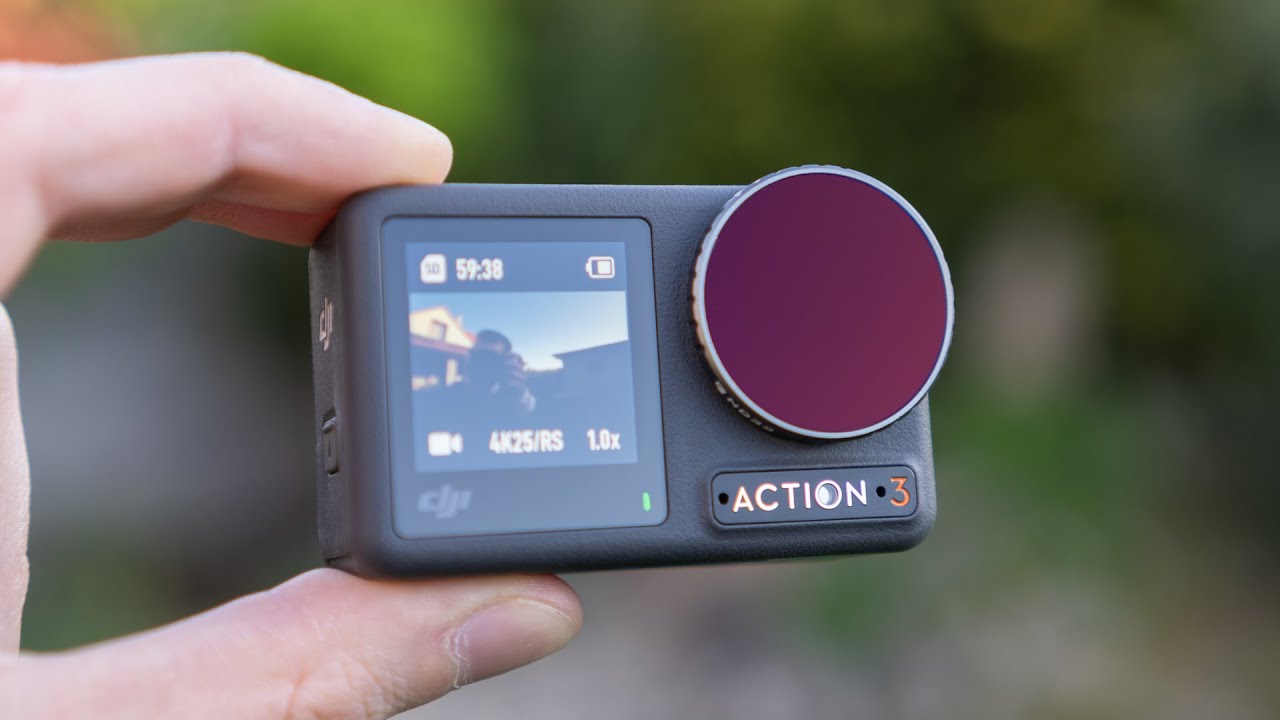
- 4K / 120fps — RockSteady 3.0 applies at this mode. Very smooth 4x slow motion suitable for cinematic sequences.
- 2.7K / 120fps — More stable than 4K at the same frame rate due to slightly more crop tolerance.
- 1080p / 240fps — 8x slow motion. Adequate for action sequences where full resolution isn’t needed.
Note: The Action 5 Pro does not offer 240fps at 4K. For maximum slow motion quality, use 2.7K or 1080p at 240fps, or 4K at 120fps for the best balance.
Insta360 X5
The X5 handles slow motion differently because of its 360° format:
- 5.7K 360° / 30fps normal speed — then apply FlowState stabilization and reframe in the app.
- 4K Single Lens / 100fps — Approximately 3x slow motion. Limited compared to GoPro/DJI for slow motion but the reframing advantage compensates.
For slow-motion motorcycle content with the X5, plan to reframe in the Insta360 Studio app: choose your angle, apply FlowState, then export. The result looks like a tracking shot that follows the action — which is more professional-looking than a fixed-angle slow-motion clip.
Top 8 Motorcycle Slow-Motion Shots Worth Capturing
1. Corner Entry and Exit
At 120fps, the moment of turn-in and lean becomes visually dramatic. Position your chin mount camera and review the footage to see your own body position and technique. For content, corner sequences at 4x slow are universally engaging.
2. Tyre Roost and Gravel Spray
The debris thrown by tyres is invisible in real time — at 240fps it becomes a shower of individual rocks and dust. Best captured from a third-party camera position, not helmet mount.
3. Jump Apex
The split-second when a motorcycle is fully airborne at the top of a jump is peak motocross content. 240fps captures the full arc and landing with enough detail to see suspension compression.
4. Water Splash / River Crossing
Adventure riding through water features is iconic. At 120–240fps, water spray creates dramatic visual patterns. The Osmo Action 5 Pro and GoPro Hero 13 are both fully waterproof — no additional housing needed.
5. Gear Change Sequence
A close-up mount on the gear lever at 240fps captures the mechanical precision of a racing gear change. Difficult to set up but a uniquely detailed shot that enthusiast audiences appreciate.
6. Arrival at a Layby or Summit
Slowing down from cruising speed to a stop at a scenic location — at 120fps this becomes a graceful arrival shot. Pair with wide FOV to include landscape context.
7. Gravel Road Spray
On unpaved roads, the rooster tail of gravel and dust thrown up at speed becomes cinematic at 120fps. Best captured by a second rider following at a safe distance.
8. Low-Sun Riding
Early morning or late evening light creates dramatic lens flare and shadow patterns at regular speed. In slow motion at 120fps, light shifts become visible movement — the landscape changes as you move through it.
Editing Slow-Motion Footage
Key editing principles for slow-motion motorcycle clips:
- Don’t over-use it — slow motion is most effective as punctuation. Two or three slow-motion moments in a 3–5 minute video is ideal. Full-length slow-motion rides become fatiguing to watch.
- Match music to playback speed — slow-motion sequences need slower, more dramatic music. Beat-sync slow-motion to a music breakdown is a proven formula.
- Cut before the interesting moment, not at it — start your slow-motion clip slightly before the peak action. The lead-in makes the action hit harder.
- DaVinci Resolve’s Speed Ramp — ramp from normal speed into slow motion and back out. This transition style is used in professional automotive and motorcycle content.
For personalized settings recommendations for your specific camera and riding conditions, use our Footage Settings Optimizer tool.
Frequently Asked Questions
Why does my slow-motion footage look choppy?
Most likely cause: the footage was recorded at 120fps but not interpreted correctly in your editing software. Import the clip and change the playback speed to 25% (for 120fps played at 30fps) or confirm your NLE has auto-detected the high frame rate. If using GoPro Quik, the slow motion is applied automatically.
Does slow motion use more battery and storage?
Yes — higher frame rates increase both data rate and processor load. At 4K/120fps on the GoPro Hero 13, battery life drops to approximately 50 minutes vs. 90 minutes at 4K/60fps. Storage: 4K/120fps uses approximately 8–9 GB per hour. Use a 128GB card minimum for extended slow-motion sessions.
What’s the difference between 120fps and 120p on camera menus?
They mean the same thing. Some cameras use “fps” (frames per second) and others use “p” (progressive scan) to describe frame rate. 120fps = 120p = the same 120 frames per second recording mode.
Official resources: GoPro camera specifications | DJI Osmo Action 4 | Insta360 Ace Pro 2.